What Is a Draft?
A draft is card work that is currently being edited but has not yet become a saved card. The app keeps the current in-progress draft locally so it can resume after an ordinary reload.
The editor status helps you understand the current state:
- draft means the card has not been saved as a named library card yet.
- saved means the open card matches its saved version.
- Modified means a saved card has changes that have not yet been saved.
Draft versus saved card
Automatic draft storage protects the current draft from an ordinary reload, but choosing Save is what creates the card in Cards. A non-empty card title, name, or back label is required before the first save.
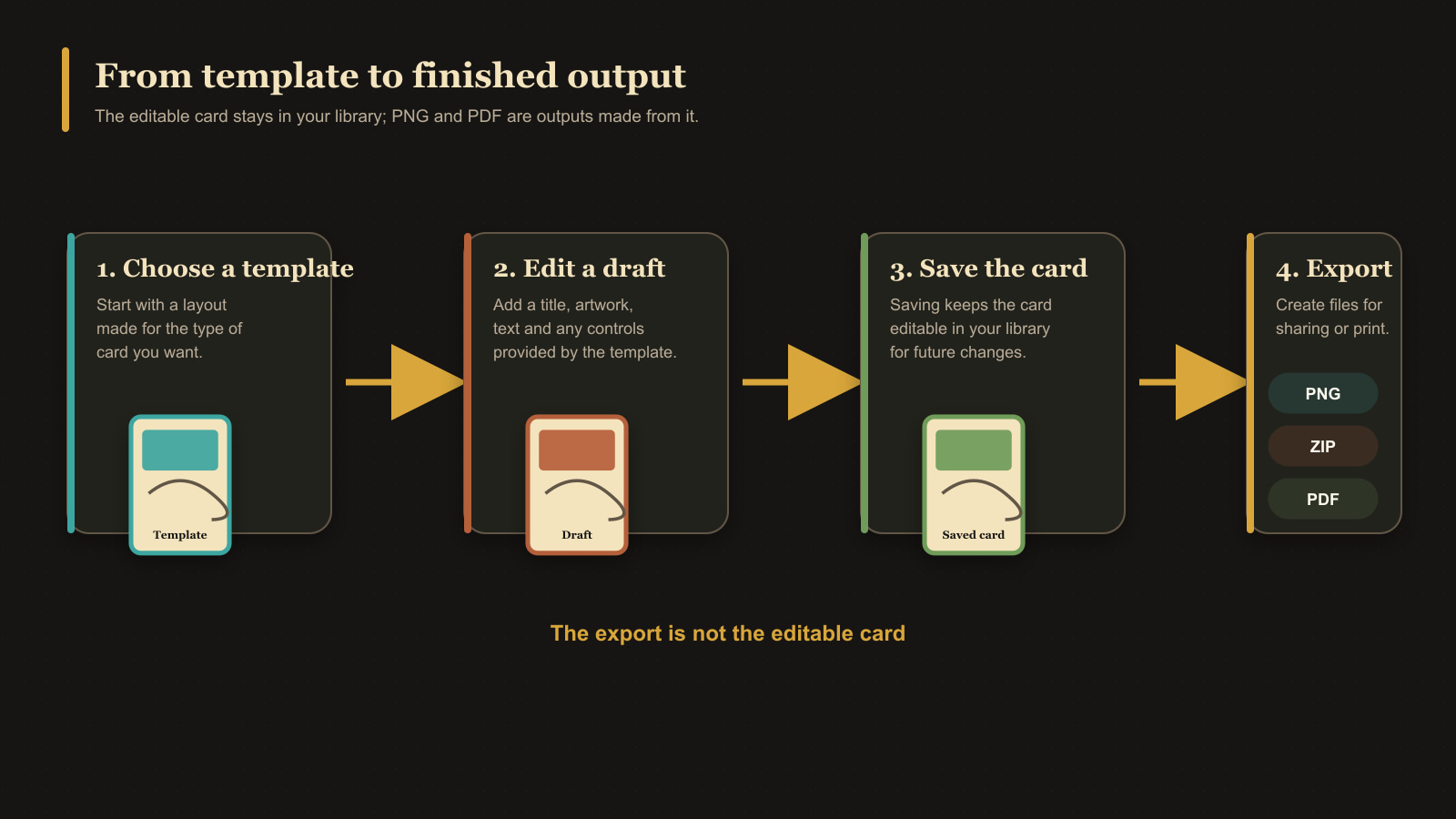
Starting another new card can replace the current draft. If the app asks what to do with unsaved work, choose Cancel to stay, Save to create the card before continuing, or Discard to continue without it.
A duplicate also begins as a draft. Its first save creates a new independent card and can inherit collection membership from the saved source card.