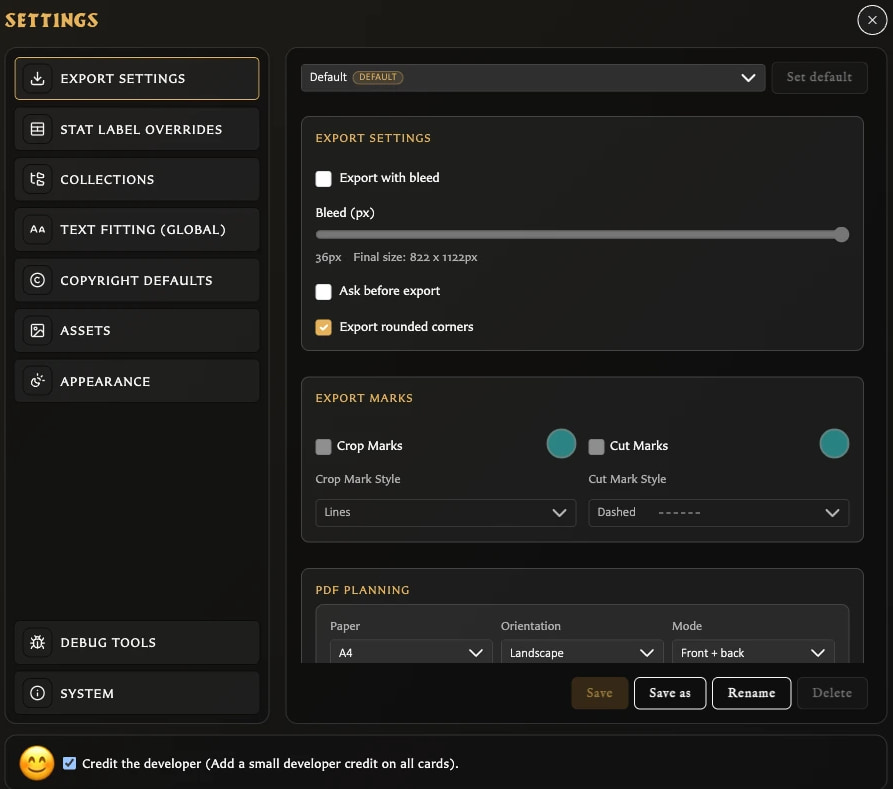
Settings and Data¶ Change app preferences, understand local storage, and protect your work with backups. Settings uses category navigation on the left and the selected category’s controls on the right. In this section¶ Back Up and Restore Your Library Change Language and Appearance Configure Export Defaults and Profiles Protect Your Library and Keep It Small Settings Reference Start a New Library Understand Backups and Local Data Understand the Settings Window