What Is the Card Editor?
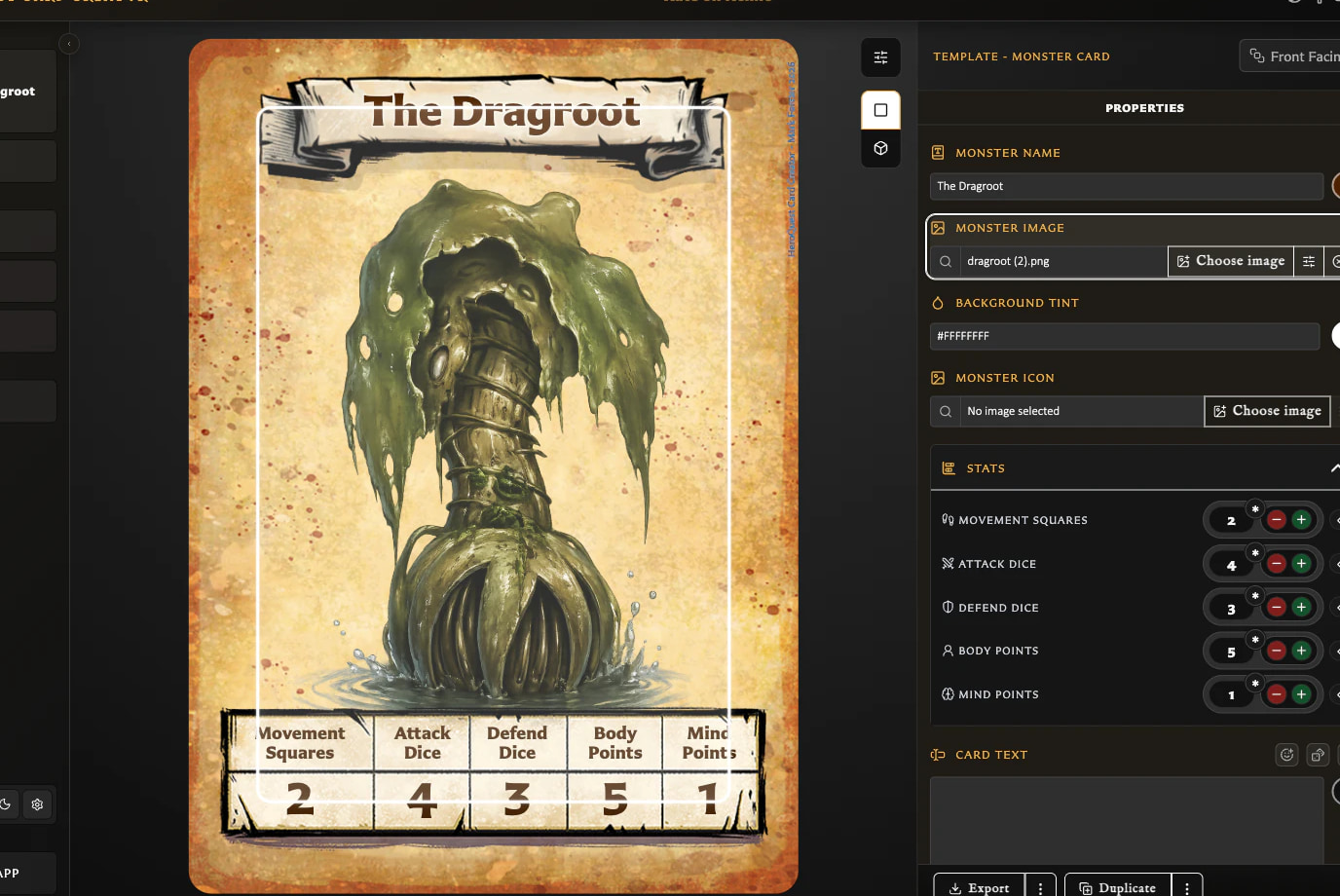
The Card Editor is the workspace where you change a card and see the result. It brings together three main parts:
- The live preview shows how the card currently looks.
- The preview toolbar provides actions related to viewing and exporting the preview.
- The inspector contains the text, image, colour, statistics, and other controls supported by the chosen template.
Changes appear in the preview before you save, so you can adjust the card visually as you work.
Editor versus Cards
Use the editor to change one card. Use Cards to find, select, organize, reopen, or act on saved cards in your library.